My design process.
From a sketch to the shipped screen.

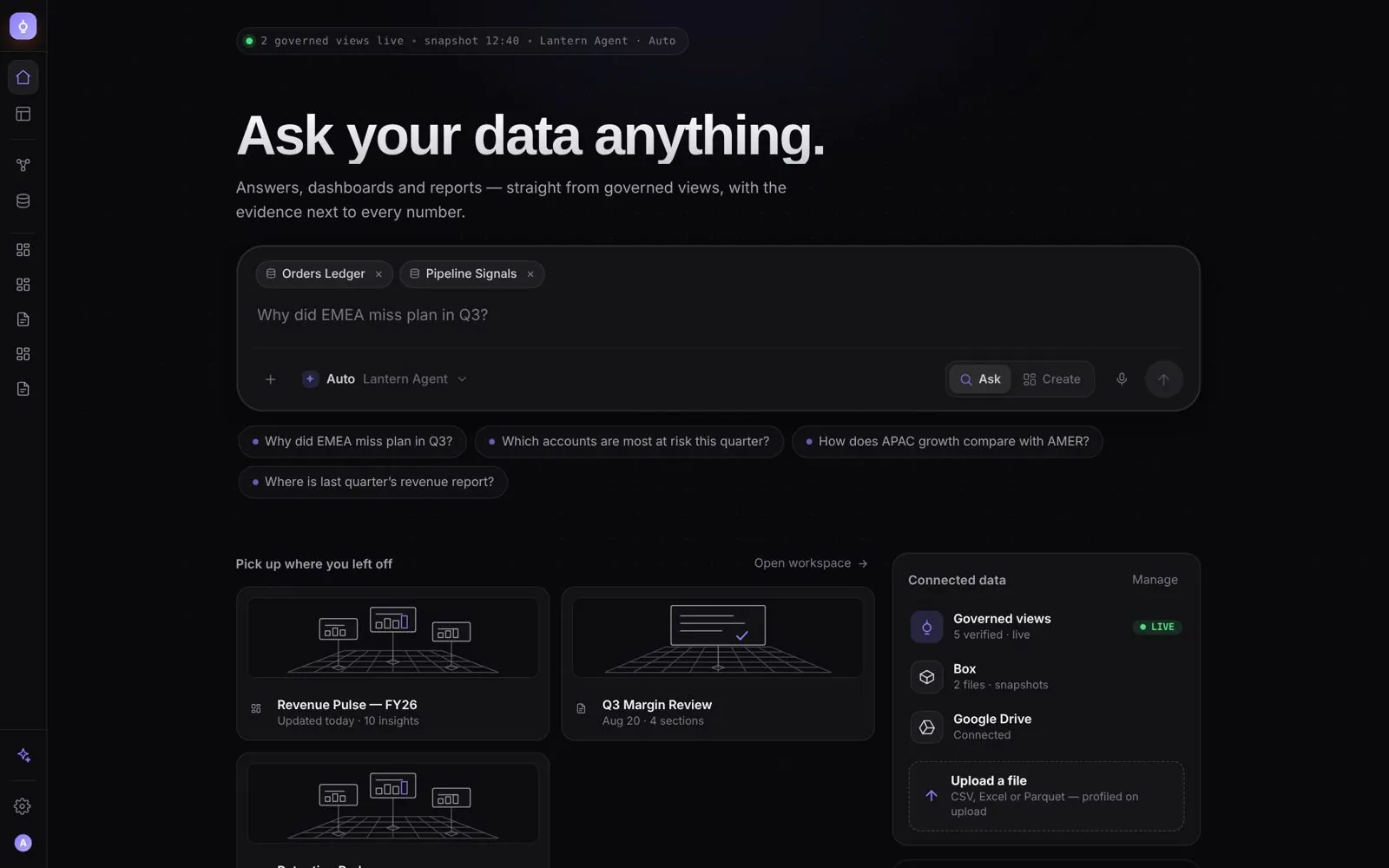
The six steps any product designer follows. What I added is AI inside each one: tools I built so the AI does the checking, while I make the calls. The pictures follow one sample screen, a ride booking, through all six.

  1. 1Understand
  2. 2Sketch
  3. 3Wireframe
  4. 4Visual design
  5. 5Prototype and test
  6. 6Review the build
Step 1 of 6

Understand

Before any layout: who is this for, what did they come to do, and what does it cost when it goes wrong? I talk to the people who will use it, and write the job down in one sentence.

What comes out
A job story, and the one thing the screen must get right.
What stays mine
Which problem is worth solving first.

The AI I added

  • Intent discoveryA UX Crit skill. The AI asks the same three questions before it draws anything, and stops when a request describes a database table instead of a job.See it: Intent discovery
Step 2 of 6

Sketch

Pen and paper, or a whiteboard. Many rough directions in an hour, before a single pixel. The rejected ones are kept; they show why the chosen one won.

What comes out
Sketches, the main flow, and the directions I said no to.
What stays mine
Which direction goes forward.

The AI I added

  • Information hierarchyA UX Crit skill. For each direction, the AI checks what a person sees first, second, and never.See it: Information hierarchy
Step 3 of 6

Wireframe

Grey boxes, real words. The screens, the steps between them, and every state a screen can be in, not only the happy one.

What comes out
Wireframes, the user flow and a list of states.
What stays mine
The structure, and what to leave out.

The AI I added

  • /ux-designTurns one sentence into intent, a wireframe and a spec, in that order.See it: /ux-design
  • State completenessLists the states nobody designed yet: empty, loading, partial, error, offline.See it: State completeness
Step 4 of 6

Visual design

Type, colour, spacing and components from the design system, with real content at real length. Accessibility is part of the design, not a pass at the end.

What comes out
Final screens, built from the system.
What stays mine
The look, and every exception to the rules.

The AI I added

  • Design system kit for AI toolsSo Claude and Cursor build only with the real components. Zero custom components since.
  • Contrast checkFlags any text under WCAG AA. It found the standard grey at 3.93:1, and the fix shipped.
Step 5 of 6

Prototype and test

A working prototype in code, inside the real product and at real scale, so people test the thing itself before anyone writes it for real.

What comes out
A clickable prototype, tested with people.
What stays mine
What the test results mean.

The AI I added

  • Claude Code on the real systemThe AI builds the prototype with the production components and real volumes of data.See it: Claude Code on the real system
  • Playwright checksEvery state is opened and checked by script, light and dark, before anyone sees it.See it: Playwright checks
  • Prototype Review ModeEach prototype plays its own features and names their tickets, so a product manager reviews it without a meeting.
Step 6 of 6

Review the build

After hand-off, I review what was built against what was designed, screen by screen and state by state, and put each fix where the developer works.

What comes out
A ranked list of fixes, on the ticket.
What stays mine
What ships now, and what waits.

The AI I added

  • UX Lab for JiraComments pinned to the exact element, versions, and an approval that stays locked until every feature is reviewed.See it: UX Lab for Jira
  • /ux-review and /ux-auditRead a change or a whole screen against the code. A second agent tries to disprove every finding; on the first big run, 16 were real and none were rejected.See it: /ux-review and /ux-audit

AI builds and audits.
I decide.

The AI drafts, checks and argues with itself. What to solve, which direction, what to leave out and what ships stays with me. The tools are on the Lab page, and the cases show them at work.

You bring the problem.
I bring the prototype.

A few lines about what you want to fix. The reply comes from me, within two days.

Start a conversation
AI Native Dashboard: the home screen, ask your data anything