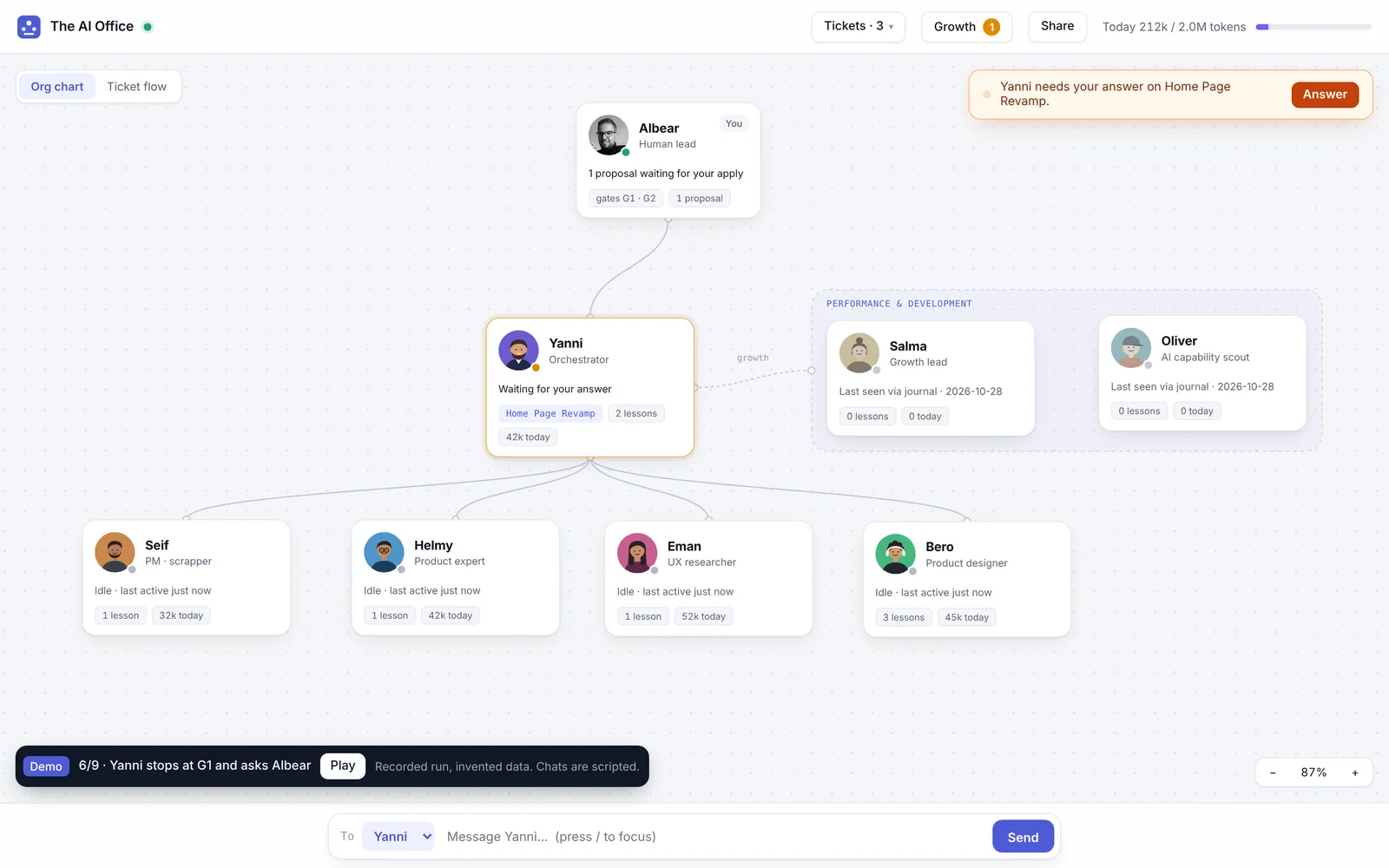
I run a small design team made of AI agents. An orchestrator plans each ticket. A PM writes the brief, a product expert says how the product behaves today, a researcher compares competitors, and a designer builds the prototype. A growth lead reviews everyone at six every evening, and a scout looks for new tools. Each one is a role file with its own lessons, running in Claude Code.
At first they worked in terminal tabs. The work was good. Managing it was not: I could not see who was working, what it cost, or when someone was waiting for me. Teaching one of them meant opening a file and editing it by hand. So I designed the screen a manager of this team needs, and built it. I call it The AI Office.
The org chart is the interface
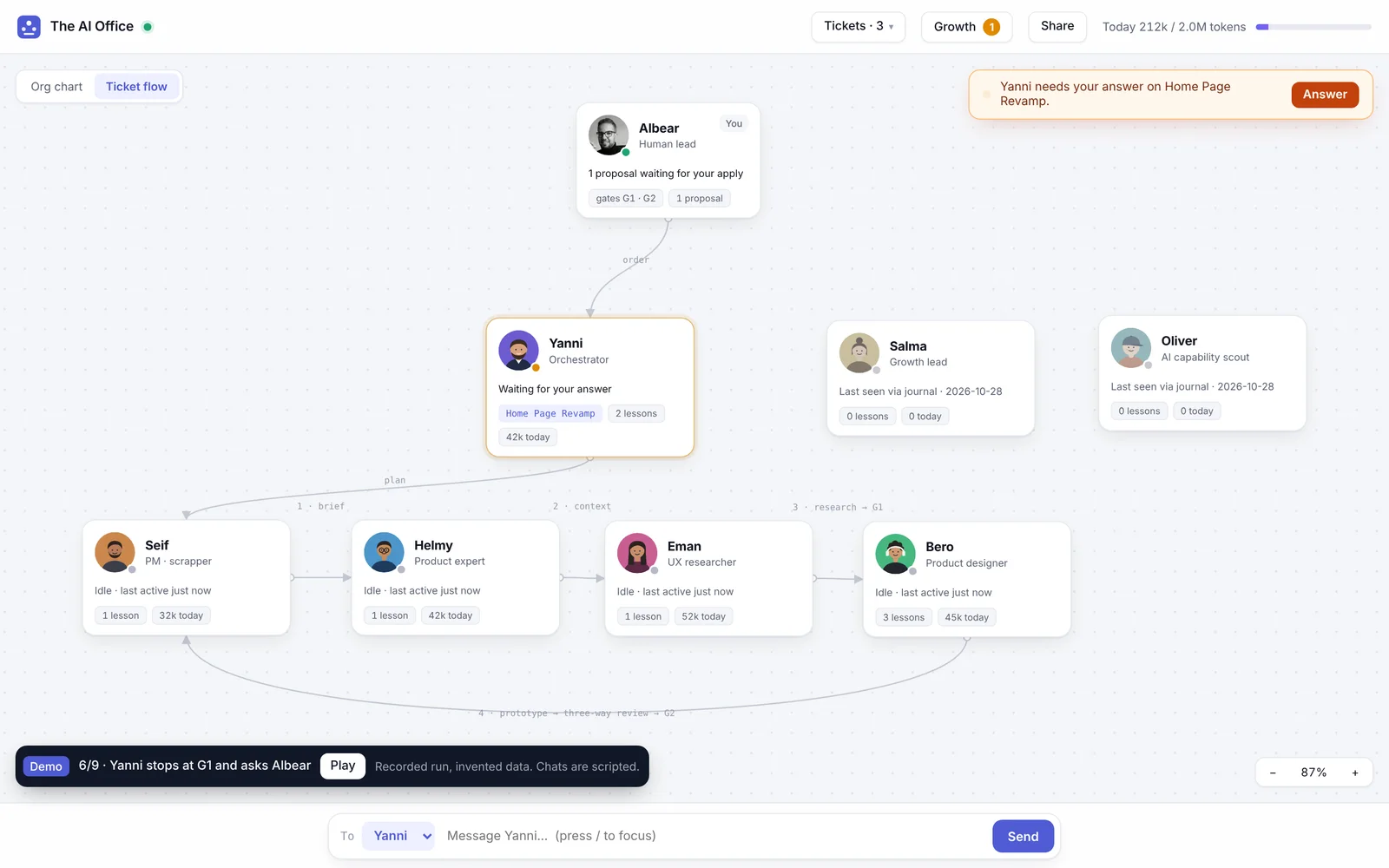
Every agent has a desk on an org chart: status, ticket, how long, tokens today. Click a desk and a card opens beside it: now, chat, teach, tokens, scorecard. A second view draws the same team as a ticket’s flow: brief, context, research, G1, prototype, review, G2. The shape of the team is the navigation, so there is nothing to learn.
People decide at the gates
The team has two gates. G1 is the direction, before anyone prototypes. G2 is shipping. The orchestrator stops at both and asks me. I made one rule early: no button on the canvas can pass a gate. The canvas shows the question, names the ticket and opens the conversation. The answer is still mine, in words. A one-click approve would have been faster, and it would have turned the gates into decoration.
Teaching is a proposal
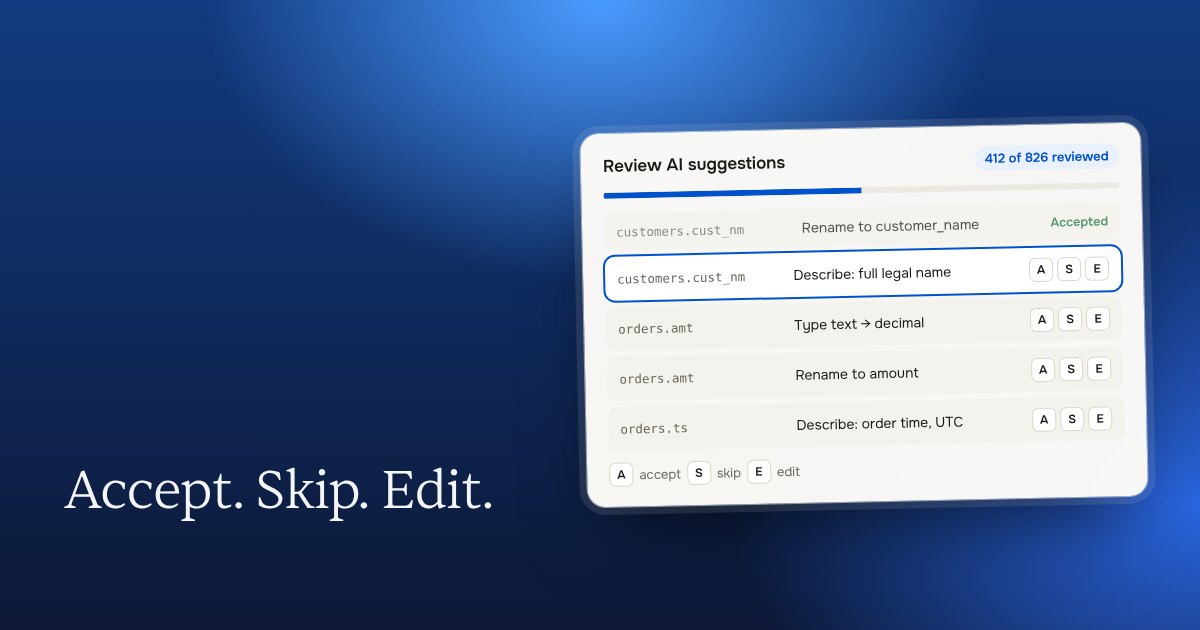
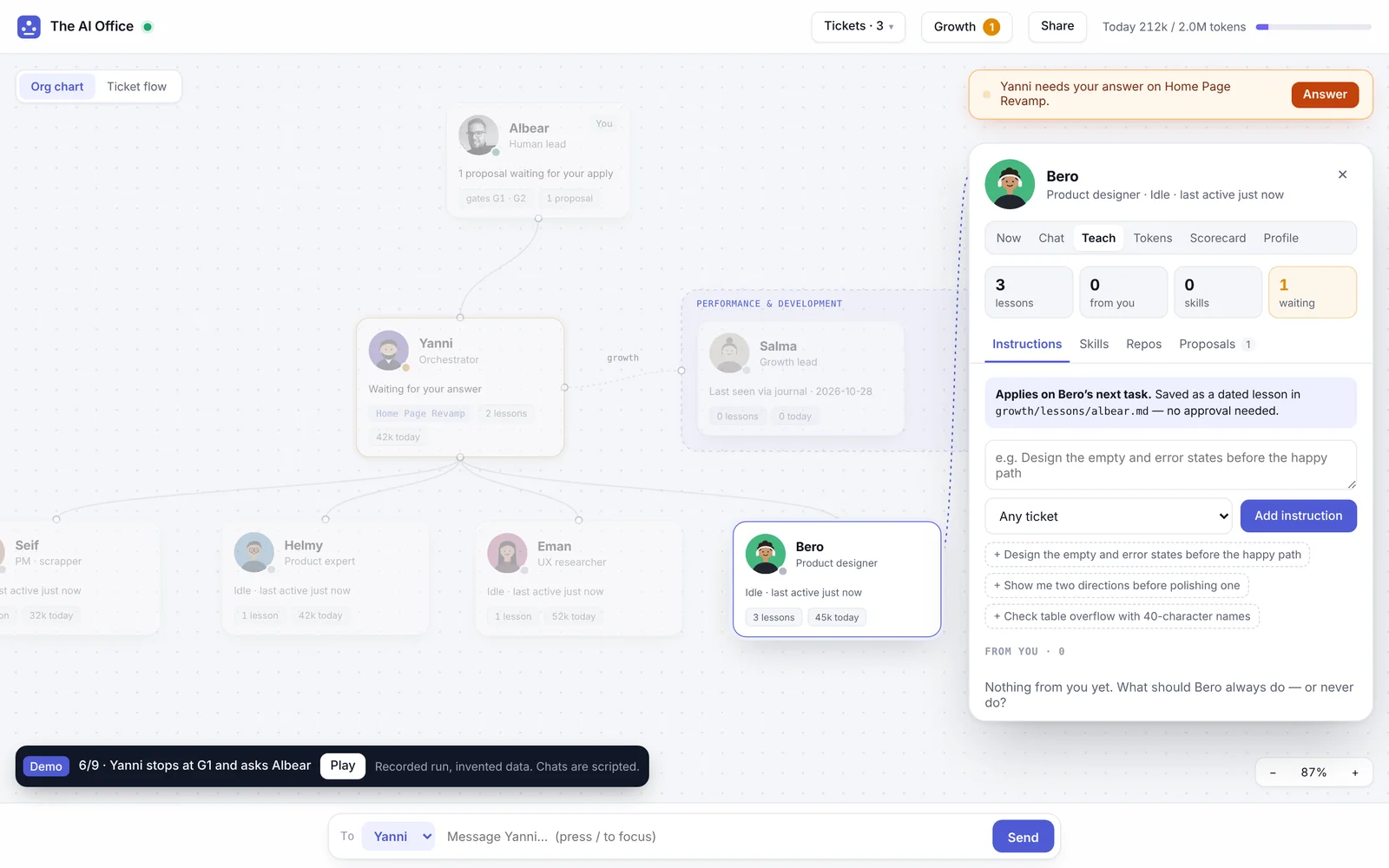
Teaching an agent is the riskiest thing on the screen, because a bad instruction repeats on every ticket. So there are two kinds. An instruction, like “keep empty-state copy to one line”, lands at once as a dated lesson. A change to a role or a skill becomes a written proposal: the problem, the change, how we will measure it, and how to roll it back. It waits until I type “apply”. The growth lead drafts most of them from her daily review.
Ask by default
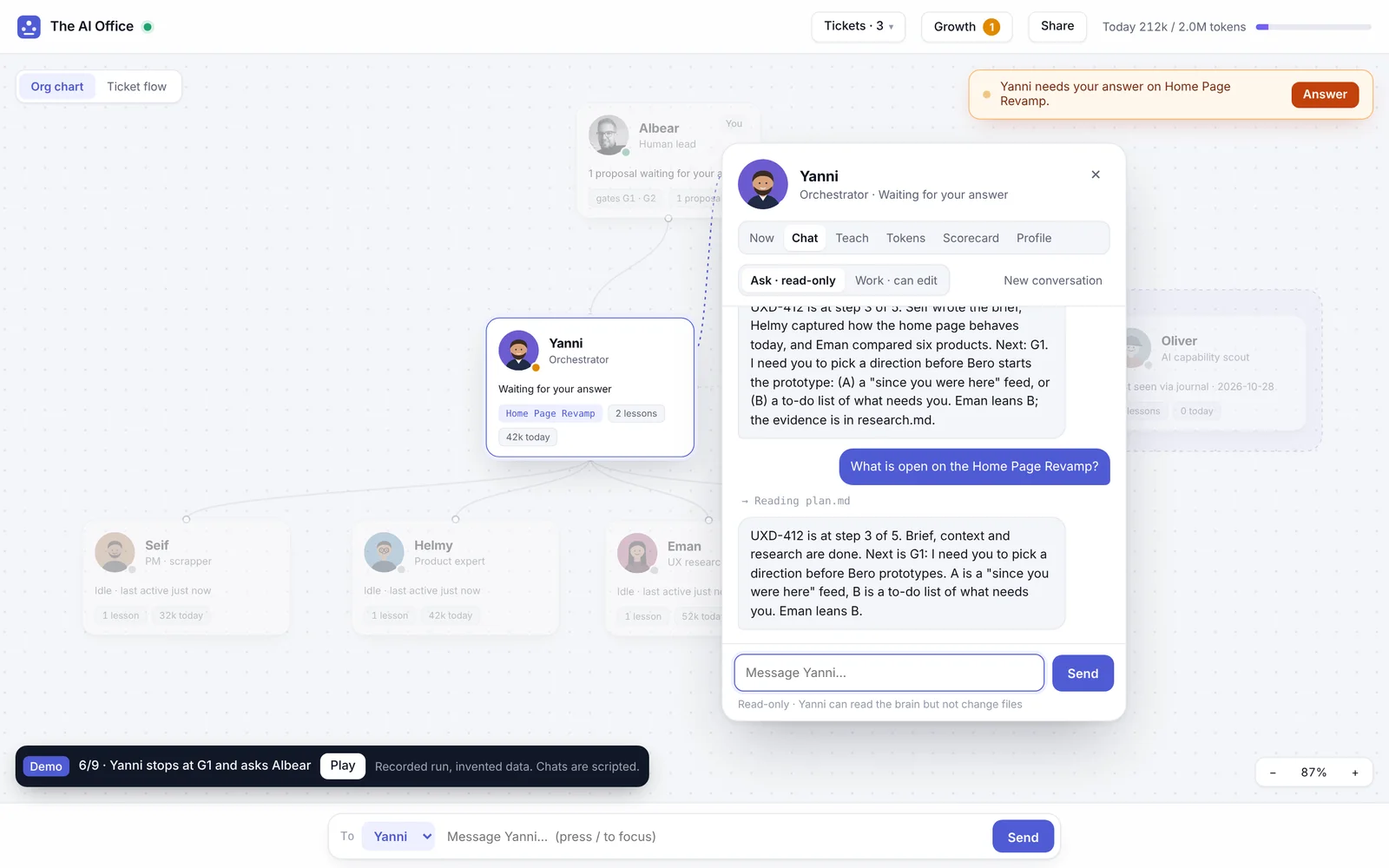
Every chat starts read-only. Switch to Work and the agent can write, but only inside its own folders, and Claude Code itself enforces that. Files I share are always new files, in four allowed folders, never overwriting anything. None of this is a policy on a wiki. It is in the buttons.
What the review caught
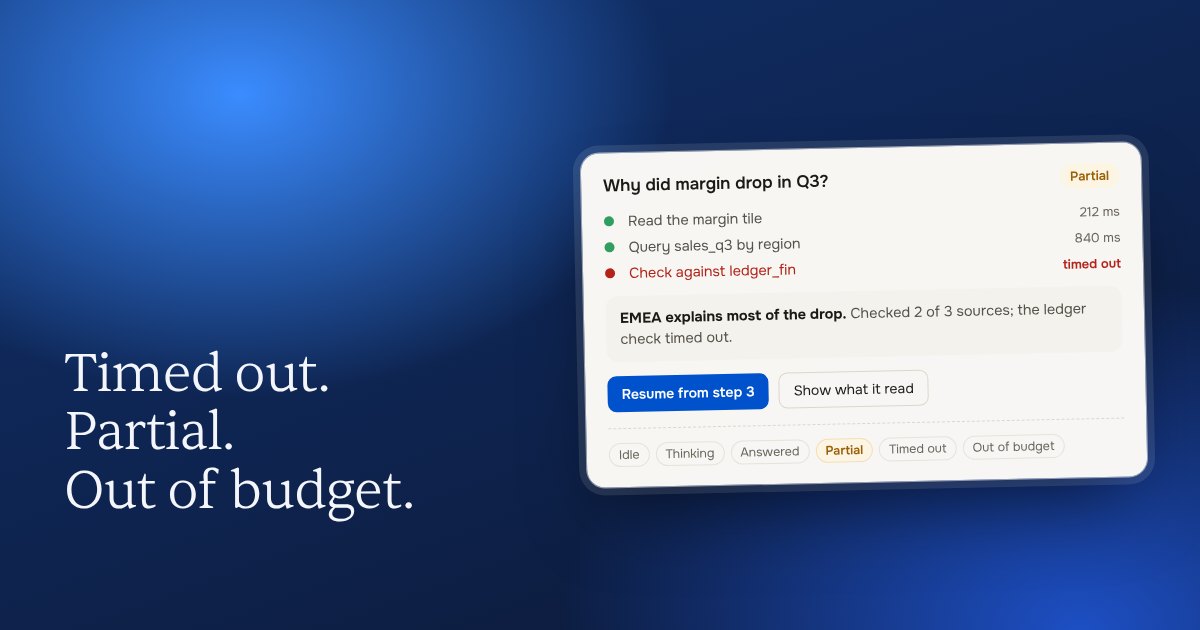
I reviewed the build the way I review any build. The worst finding was a quiet one: when the orchestrator stopped to ask me something, it kept showing “working” for ten minutes. The one moment that needed me was the calmest thing on the screen. Now it turns to “needs you” at once, with a banner that names the ticket and an Answer button.
What it costs
Nothing extra. It runs on my own Claude subscription through the command line, with no API key, no paid service and no dependencies. Tokens are counted from the session files, per person and per ticket, and labelled exact or estimated.
Managing AI turned out to be a design problem before an engineering one. The agents were capable from the start. What they needed was a room where a person could see them, steer them and stay in charge. You can watch a recorded run of one ticket, from brief to G2, on The AI Office page.